RemakeMeme.video
AI meme generator
Pick the job you came to do, not the model. Each page has one working control, a clear photo requirement and the real credit price.
Photo editing
For the photo you already have: reaction images, pet portraits, couple scenes and background swaps.

AI Meme Photo Editor
One photo in. A sharper, funnier meme image out.
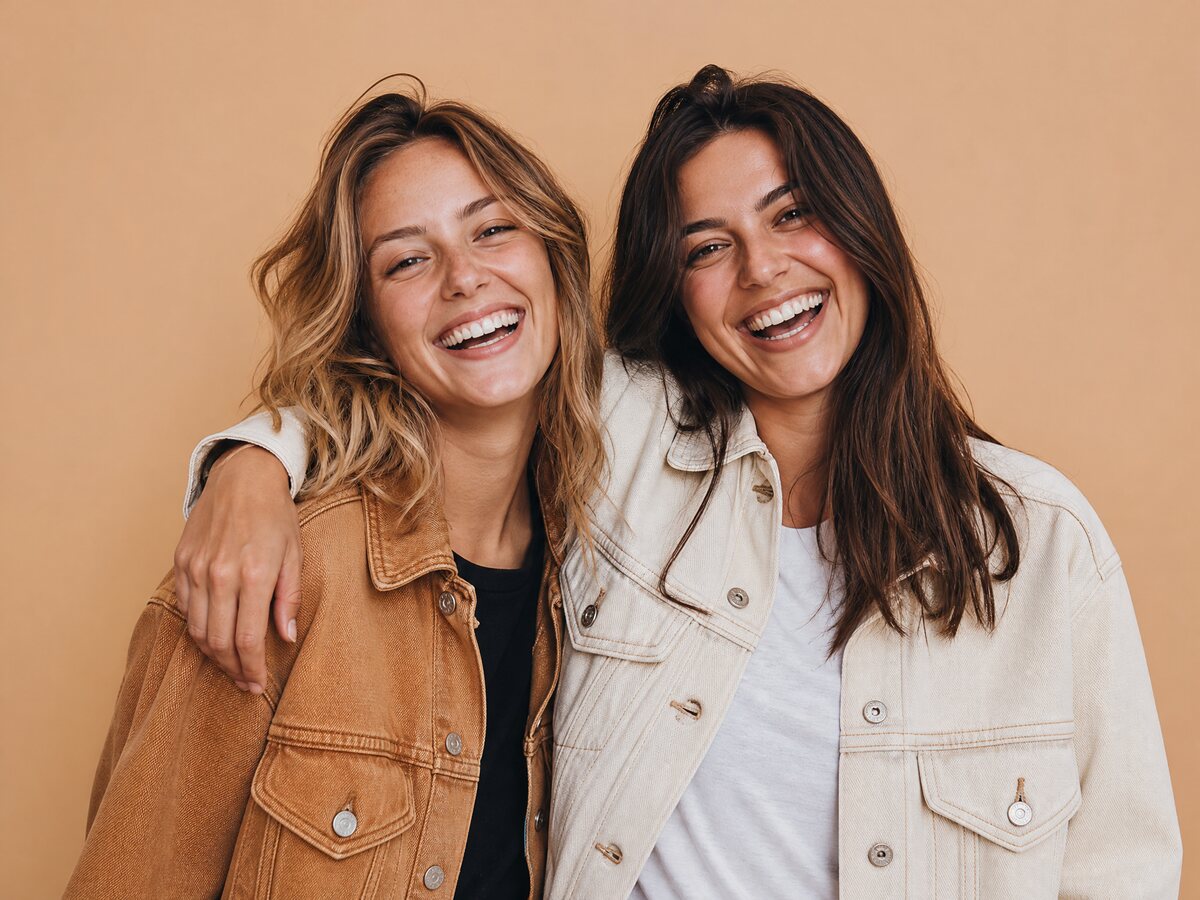
AI Meme Face Swap
Two photos. One scene. Nobody loses their face.
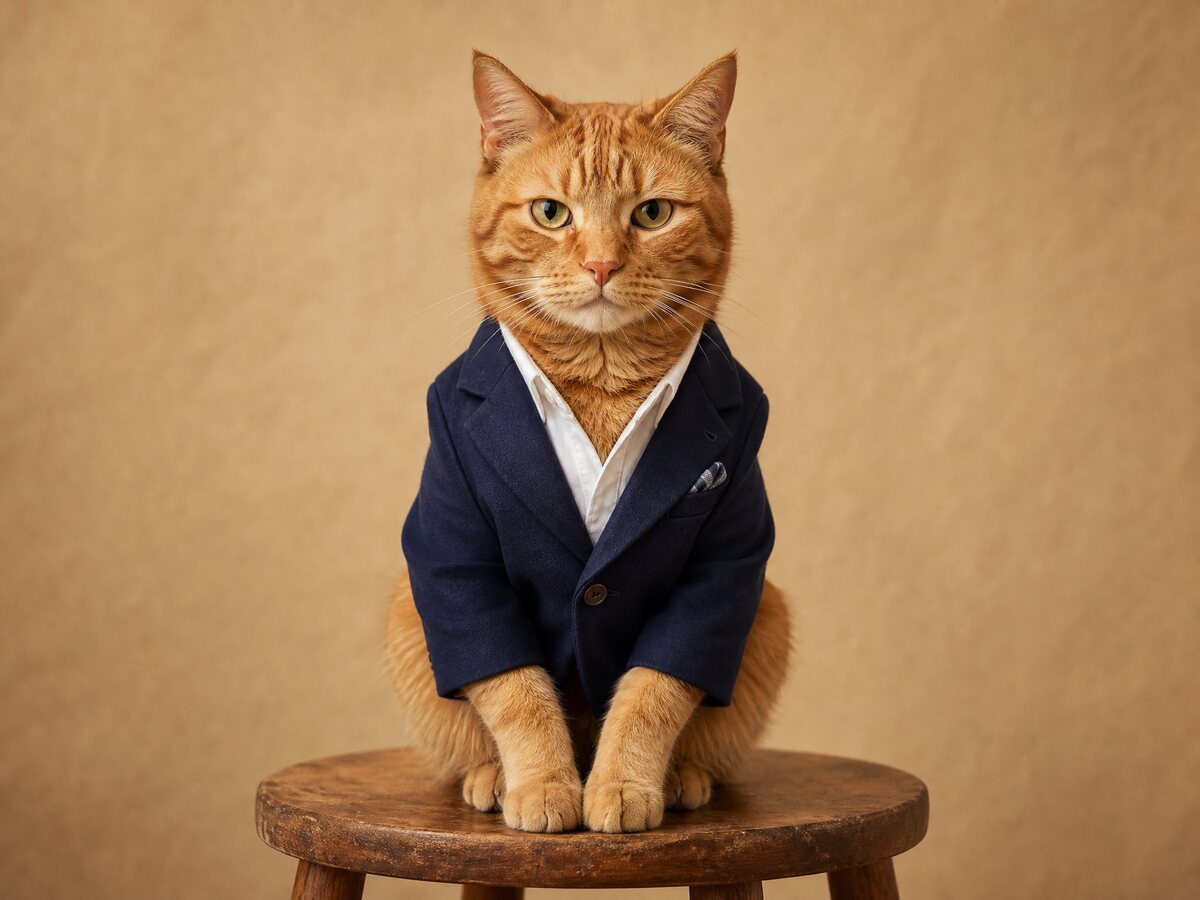
AI Pet Meme Photo Generator
Your pet, still your pet. Just funnier.
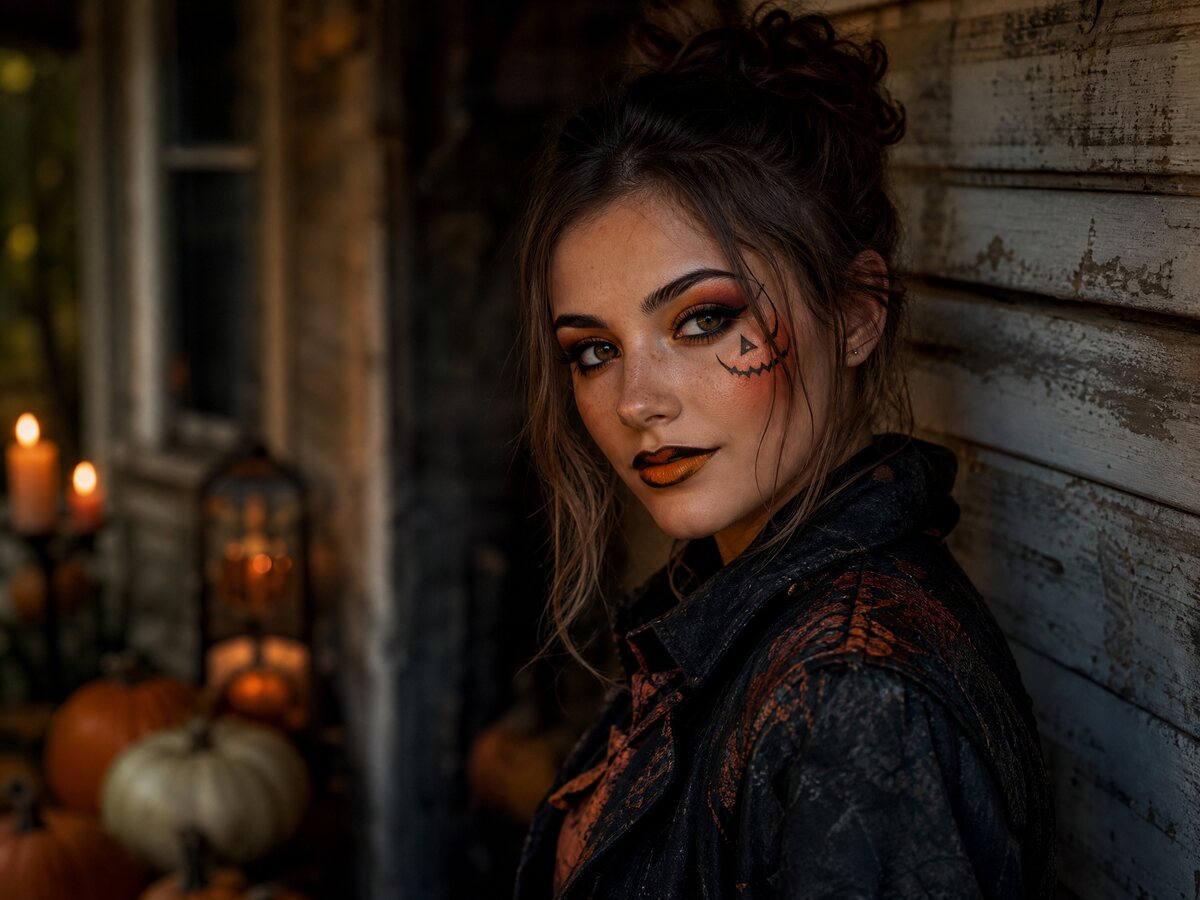
AI Halloween Meme Photo Generator
A Halloween photo without a costume, a crew or a party.

AI Couple Meme Photo Generator
Two selfies, one shared scene, zero awkward third wheel.
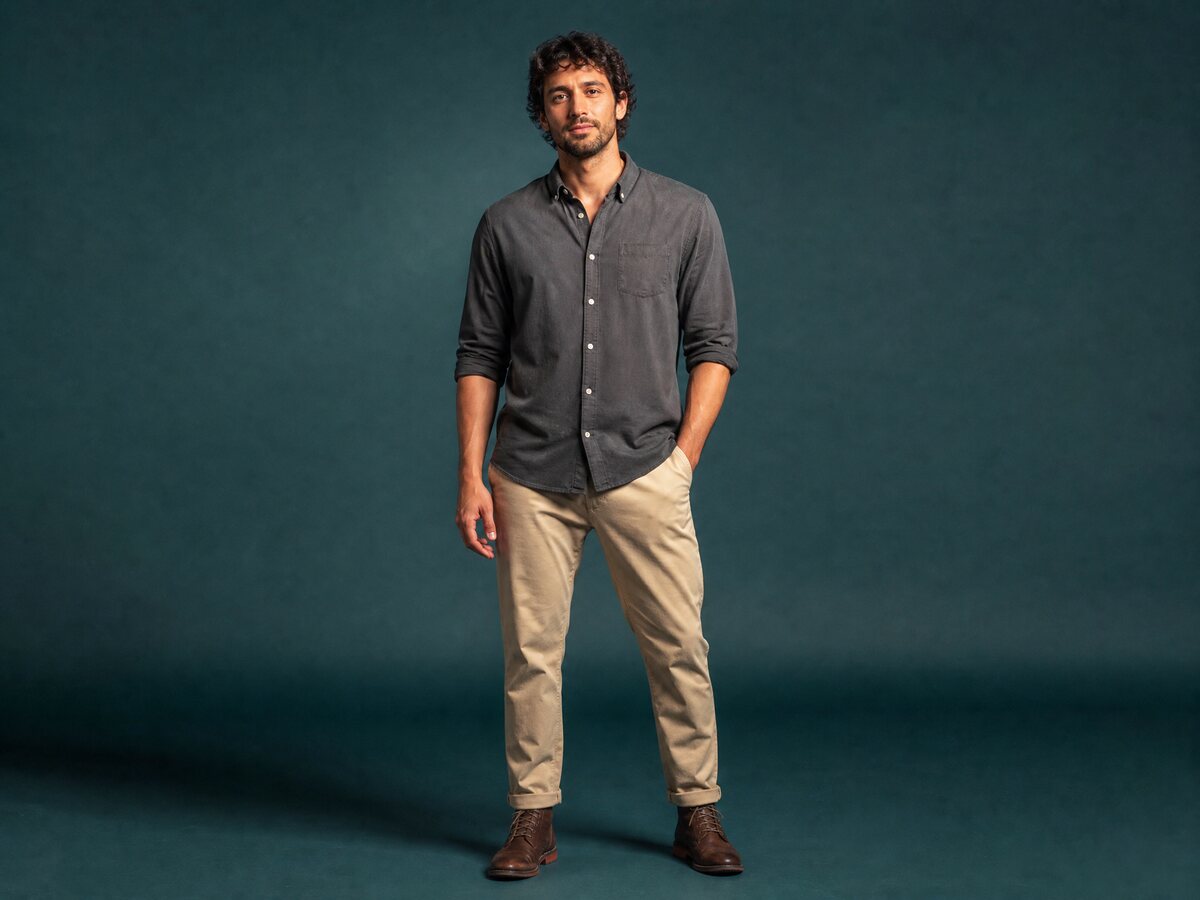
AI Meme Background Changer
Change the room, not the person.
Video generation
For the joke that needs motion: photo-to-video, dance, pets, couples and Halloween clips.
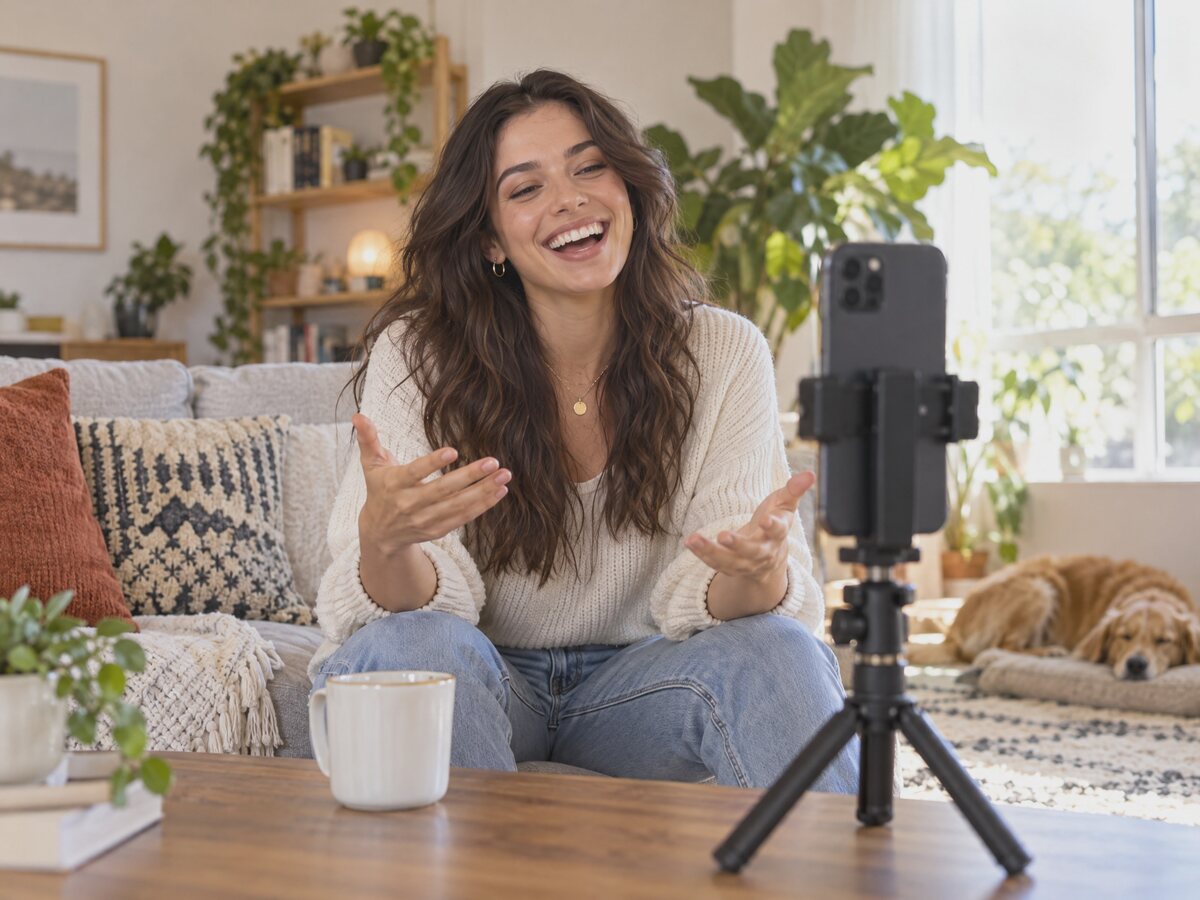
AI Meme Video Generator
Describe the joke. Get a clip. Add the sound later.
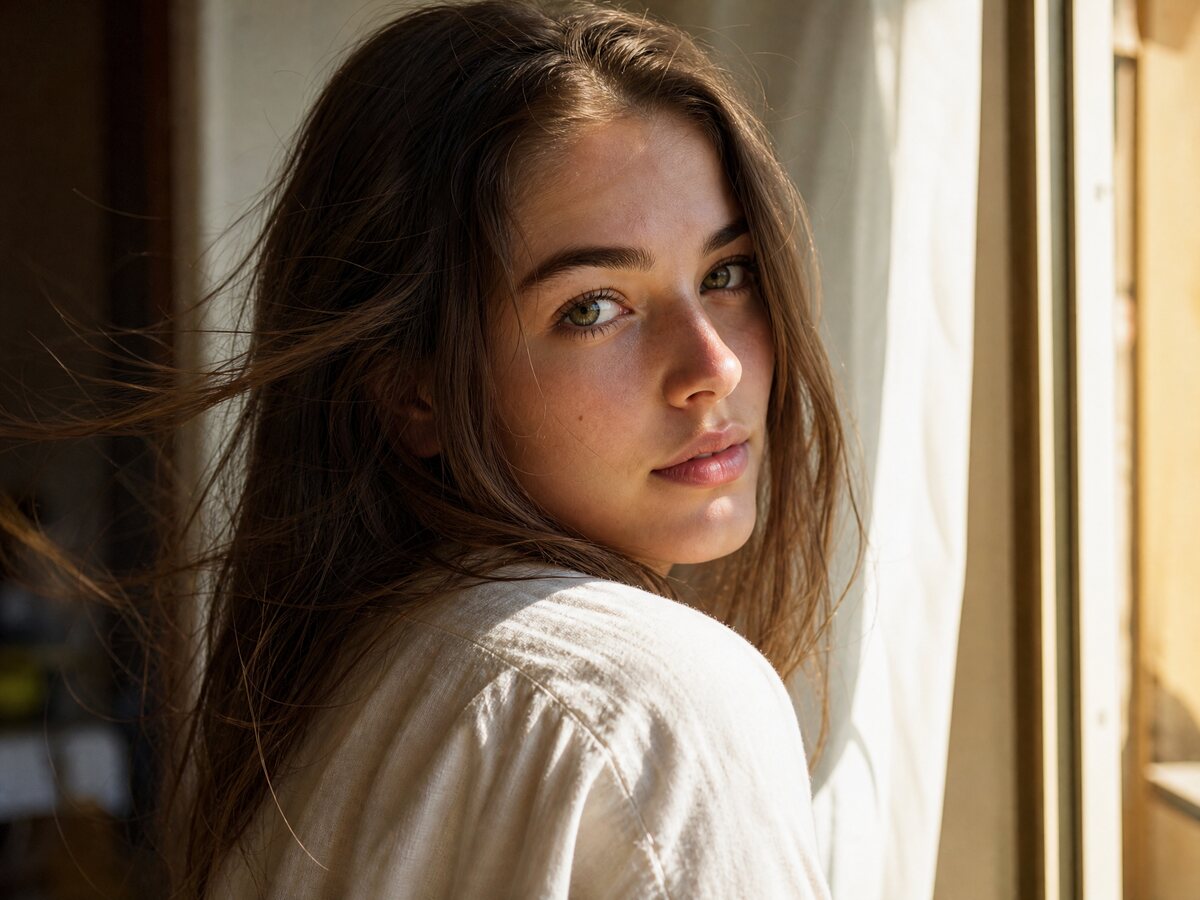
AI Photo to Meme Video
Your photo already has the joke. Give it four seconds of motion.
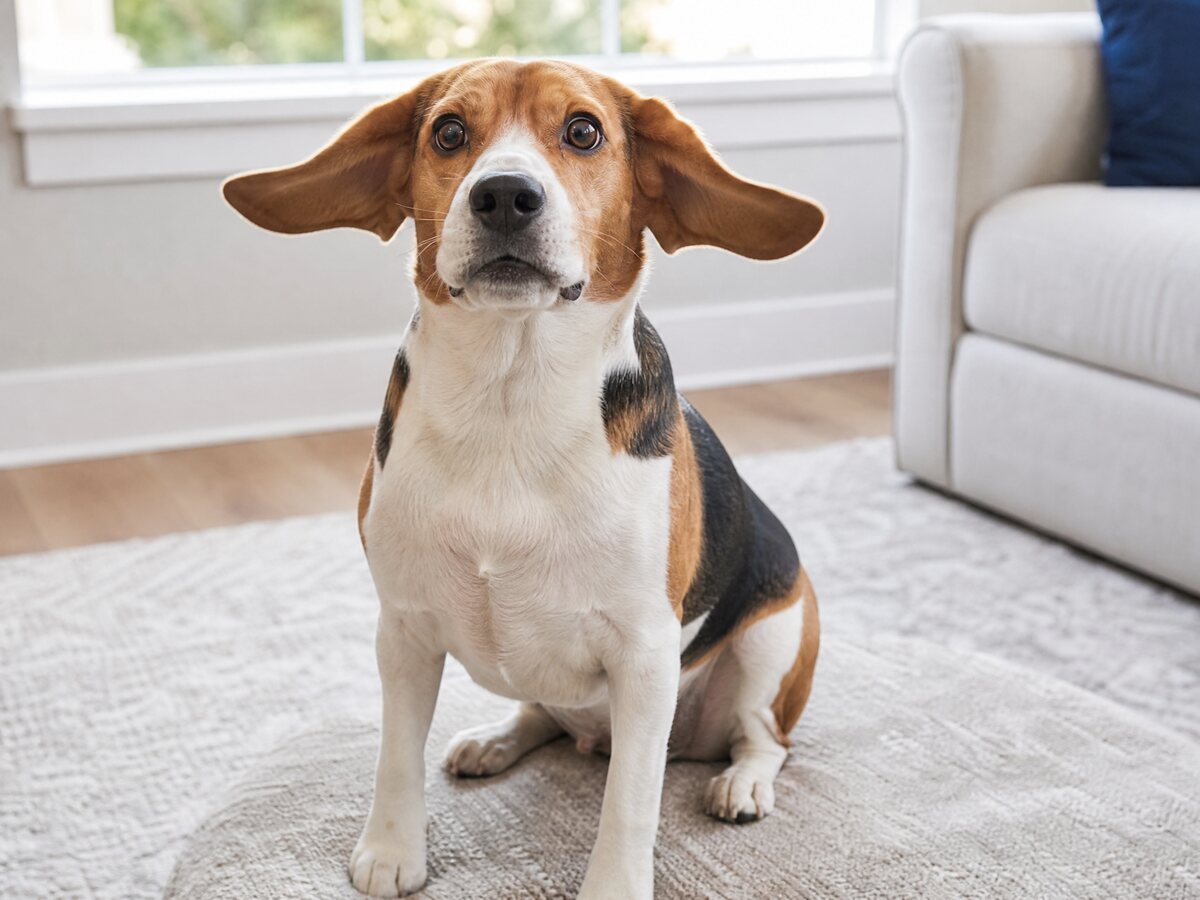
AI Pet Meme Video Generator
One photo of your pet. One very short, very silly video.
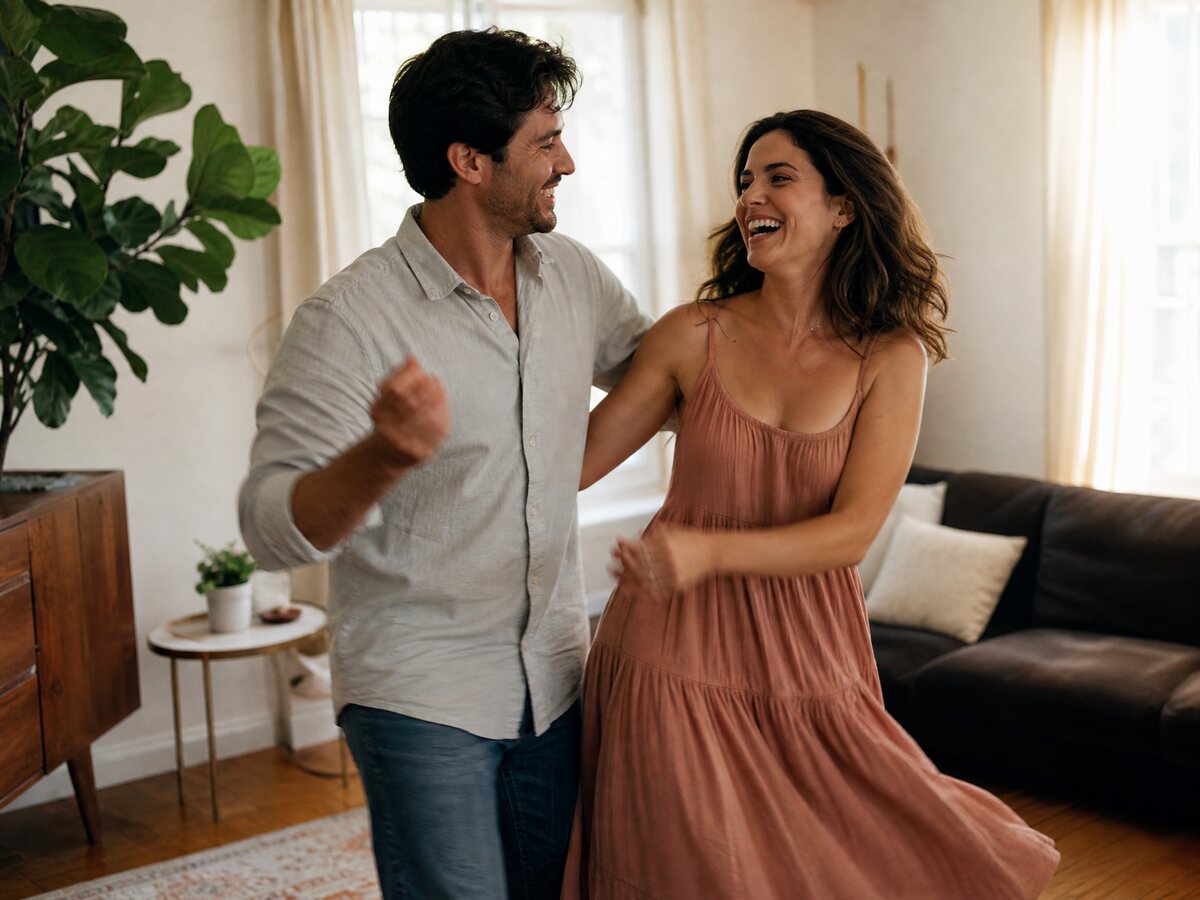
AI Couple Meme Video Generator
Two photos, one short scene, both faces intact.

AI Halloween Meme Video Generator
A haunted clip from one photo, before the party starts.
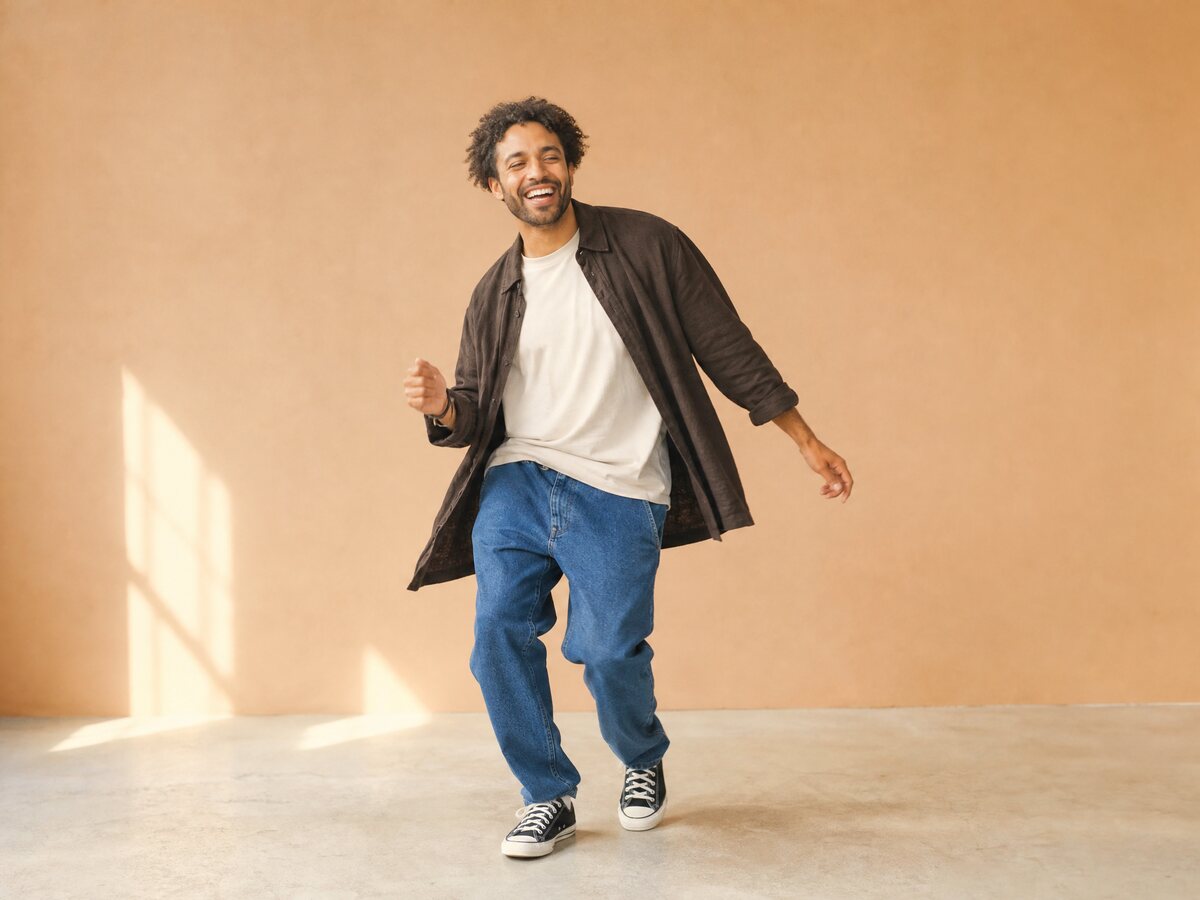
AI Dance Meme Video Generator
No choreography, no crew. One photo and a short move.
Image or video?
Use a photo tool when the joke is one frame: a reaction, a costume, a pet portrait. Use a video tool when the joke needs motion: a head turn, a dance, a slow push-in. Both start from a photo you already have.
Photo tool
One still image. Three or four credits. Usually ready in under a minute.
Video tool
A 4 to 12 second MP4. Ten to thirty credits. Usually five to ten minutes.
Common questions
Do I need an account?
Image tools need a signed-in account so the render is attached to your credits. Video tools also support a one-time guest checkout with an email address.
Which AI models run these tools?
Image edits go through a SeeAPI safety check and then fal, kie, Replicate or WaveSpeed. Video renders use Standard Seedance 2.0 on kie.ai.
Can I use one photo for every tool?
One clear, front-facing photo works for most tools. Couple and face-swap tools need one photo per person. Pet tools need the pet’s face and markings visible.