Video tool · From 10 credits
AI Photo to Meme Video
Your photo already has the joke. Give it four seconds of motion.
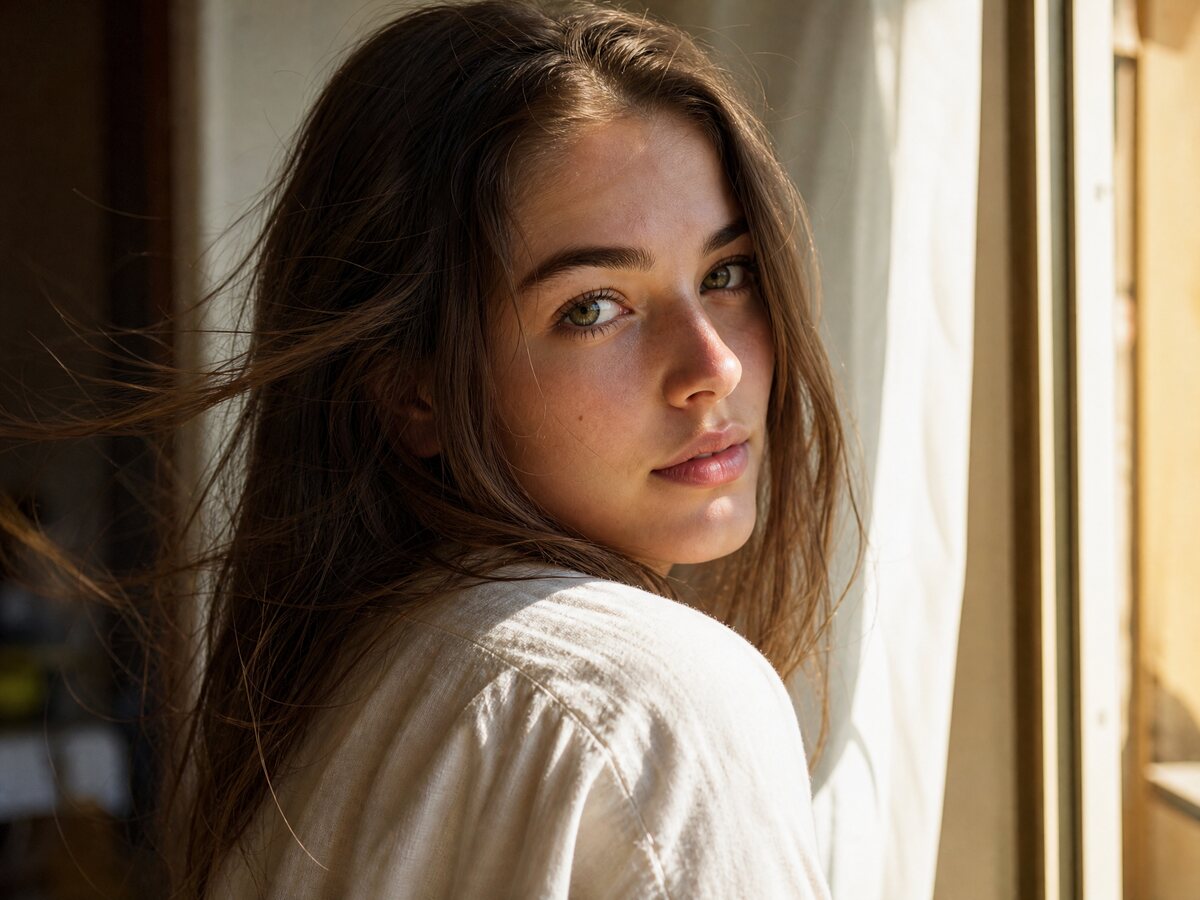
Some photos only need a little movement to become a video: a slow head turn, a blink, a breeze in the hair, a camera push-in. This page is built for that small, controlled animation rather than a full scene change.
Quick answer
Turn one photo into a short AI meme video. Keep the face, add a head turn, a blink or a slow push-in, and download a 720p MP4 without a watermark.
Upload the photo, keep the default motion prompt or make it simpler, and choose the length. The model keeps the face and clothes from the photo and animates the moment around them.
What you can make
- Animate a portrait for a reaction video.
- Turn a pet photo into a slow head tilt.
- Make a Halloween portrait move without filming.
- Create a looping-style clip for a story post.
How it works
- 1Upload one clear photo with the face visible.
- 2Keep the gentle motion prompt or describe a specific movement.
- 3Choose a 4, 8 or 12 second render.
- 4Download and add sound in your posting app.
Photo tips
A sharp, front-facing photo with a simple background gives the cleanest animation. Full-body photos work for a step or a turn; head-and-shoulders photos work for a blink or a look.
FAQ
What kind of motion works best?
Small, physical motion: a head turn, a blink, hair moving, fog drifting, a slow camera push. Big dance moves and scene changes are harder to keep stable.
Can I animate a group photo?
The page is built for one or two people. A group photo with many small faces is likely to drift; use one photo per person and make separate clips.
Will the video keep my clothes?
Yes, the prompt tells the model to keep the clothes and hairstyle from the photo. If the photo only shows the head, the model invents the rest to match.
Can I use the result on TikTok?
Yes. Download the MP4, upload it to TikTok, and add the sound there. The file has no watermark.
Related tools
Independent tool. Only upload people and pets you have permission to use. Outputs are AI-generated; label them where the platform asks.