Halloween Meme Video Ideas You Can Make From One Photo
 RemakeMeme Team
Halloween meme video ideas built around one photo: pumpkin head, sheet ghost, masked figure, costume reveal, and porch scenes, plus lighting, safety, and AI labeling.
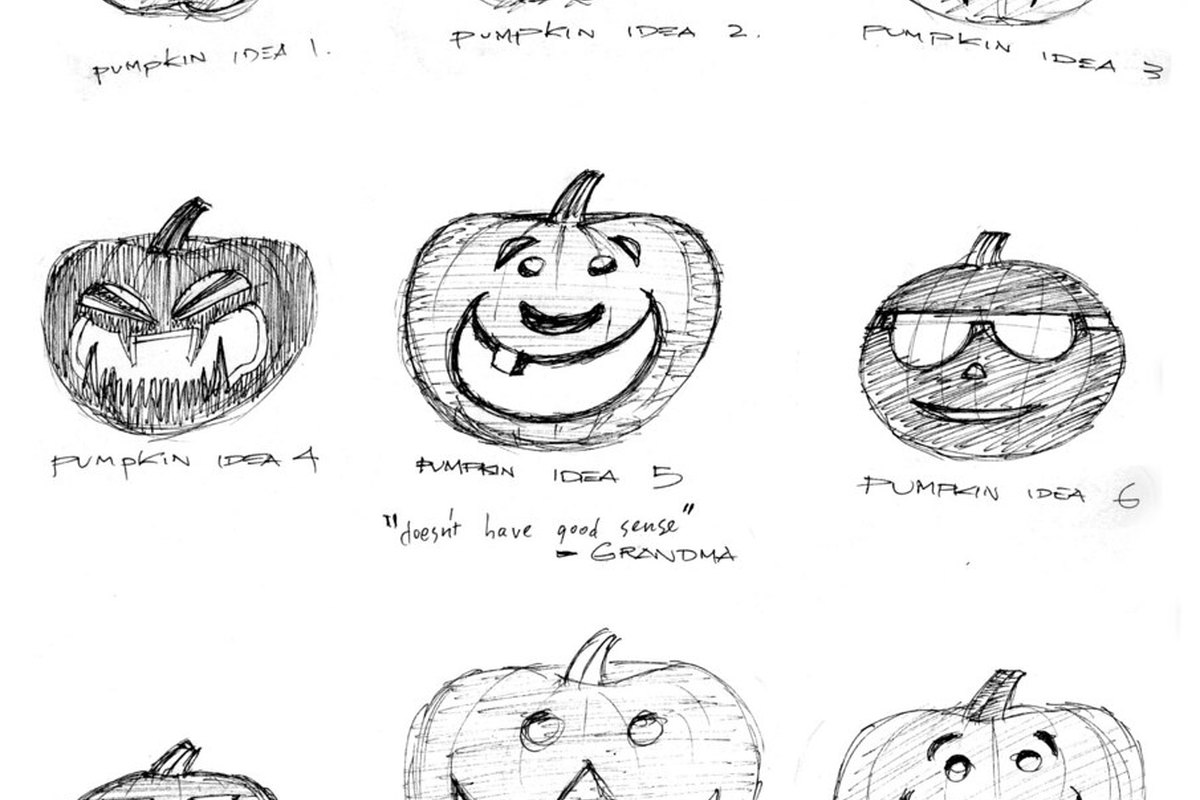
Halloween is one of the few times of year when looking slightly unnatural is the point. That makes it a good fit for short AI video: a pumpkin head, a floating sheet, a figure that turns too slowly at the end of a hallway. You do not need a full set or a crew. You need one clear photo, a simple idea, and a few seconds of movement.
RemakeMeme.video accepts one or two photos per render. You choose a format or write a prompt, and Standard Seedance 2.0 (kie.ai) produces a 720p vertical or horizontal clip at 4, 8, or 12 seconds. The output is a silent MP4 with no watermark. You add the sound later in TikTok, Reels, or Shorts, which is where most of the atmosphere comes from anyway.
The ideas below are generic Halloween formats, not claims about what is trending this week. The site uses licence-clean stand-in media in its own examples, not original clips from films or other creators.
RemakeMeme.video is an independent tool and is not affiliated with TikTok, Instagram, YouTube, any creator, or any song rights holder.
Start with a photo that shows the costume
A Halloween clip lives or dies on whether the costume reads. Before you think about the effect, take a photo that gives the model useful information.
- Full body or knees-up. Costume reveals and porch scenes need the whole look. A head-and-shoulders crop turns a great costume into a floating collar.
- Face at least a third of the frame. Even a masked or pumpkin-headed format uses the photo as a reference for the body and pose. For formats where you want to be recognizable, the face needs to be clear.
- Even light. A single soft light or an overcast day is easier than a hard overhead lamp. Avoid lighting the costume from below unless you want the classic campfire look.
- A plain background. A hallway, a wall, or a porch with a simple backdrop gives the model less to invent. A cluttered room can turn into visual noise once the camera starts moving.
- The costume should be visible. Dark fabric against a dark background disappears. If the costume is mostly black, add a lighter wall behind it or a small reflective detail.
- No sunglasses or deep shadow over the eyes. The model needs the eye area to keep a face stable. A mask with visible eye holes is workable; a full mask with black mesh is much harder.
Only upload photos of adults who have given permission. Content moderation refuses photos of minors and public figures. That applies to Halloween costumes too. A child in a ghost sheet is still a photo of a minor, and it will be refused.
Five formats that work with one photo
1. The pumpkin head
The pumpkin-head format replaces the head with a jack-o'-lantern, or blends the two. It is a generated interpretation, not a filter, so do not expect the carving to match a real pumpkin you have at home. What you can control is the body, the pose, and the movement.
Use a full-body or knees-up photo with the shoulders visible. Ask for a slow head tilt, a turn toward the camera, or a short step forward. A four-second clip is enough for a single creepy beat; eight seconds gives you room for a slow turn and a hold.
This format works best when you do not need to be recognizable. If the joke depends on your face, choose a half-mask or a costume reveal instead. If the joke is the silhouette, the pumpkin head is very forgiving.
2. The sheet ghost
The sheet ghost is one of the few formats where hiding the face is the point. A white sheet with simple eye holes, a slight float, and a slow drift across the frame can be genuinely funny or genuinely eerie, depending on the sound you add.
Use a photo where the sheet shape is clear and the eye holes are visible. A plain background helps the white shape stand out. Ask for a small hover, a slow turn, or a sudden stop. Avoid asking for a long walk with complex footwork; the sheet hides the legs, and the model may produce a shape that slides instead of steps.
The sheet ghost is also a good option for someone who does not want their face in a video. The trade-off is that the result will not look like a specific person. That is usually fine for this format.
3. The masked figure
A mask and a cloak give you a strong silhouette. The risk is that the mask hides exactly the information the model needs to keep a face consistent. If the mask covers the eyes, expect the model to guess, and expect some drift.
Choose a mask with visible eye holes, or push the mask up so part of the face is readable. Keep the costume simple: a mask, a dark coat, maybe gloves. A costume with many straps, props, and layers gives the model more places to make mistakes.
Avoid realistic weapons, even fake ones, if you plan to post on a platform that restricts them. A candle, a lantern, or an empty hand is usually enough. The format is about the silhouette, not the prop.
4. The costume reveal
The reveal is a before-and-after clip: everyday clothes at the start, full costume at the end. It works at 8 seconds, or 12 seconds if you want a walk or a turn. You can do it with one photo if the prompt describes the change, but two photos, one of each look, give the model a clearer reference.
Keep the background stable. A hallway, a bedroom door, or a plain wall works better than a decorated room with a lot of small objects. The change should be the focus. If the camera also moves, the model has to handle two changes at once, and the result is more likely to drift.
5. The porch scene
A porch is a natural Halloween set: a door, a light, a few pumpkins, maybe some fake fog. Use a photo taken on your own porch, or a location where you have permission to shoot. Do not imply that you are on someone else's property, and do not block a sidewalk or a street for a video.
Ask for a slow step toward the camera, a door creak, or a figure waiting under the light. A 12-second clip can hold a longer approach, but keep the action simple. If the porch has steps, make sure the source photo shows the feet and the edge of the step, or crop above the steps to avoid strange footing.
Group versus solo
Solo formats are the easiest. One photo, one costume, one action. If you want a group costume video, do not start with a wide photo of five people. The faces will be small, the costumes will overlap, and the model will have to separate everyone.
RemakeMeme accepts up to two photos per render, so a duo is the practical limit for a single clip. For a group of three or more, make two-person renders and edit them together, or make solo clips and cut between them. The result will look more deliberate, and each costume will read.
If you are making a duo, use one photo per person, taken at the same camera height and with similar light. Matching the framing matters more than matching the costumes. A pair of ghosts and a pair of vampires can share a scene if both photos are shot the same way.
Lighting and costume visibility
Halloween lighting is usually either too dark or too orange. Both cause problems. A face in deep shadow loses the information the model needs; a strong orange wash flattens the costume into one color.
- Use one main light source, soft and slightly to the side.
- Keep the face out of complete shadow, even under a mask or hood.
- Add a small fill light if the costume is dark.
- Avoid pointing a phone flashlight straight at the face.
- If you want a colored light, use it as an accent, not as the only source.
- Check the photo on a phone screen before uploading. If you cannot see the costume details, the model probably cannot either.
For a porch scene, the house light can be the main source. Ask the person to stand slightly toward it rather than directly under it. If the light is above the door, a step back often gives a better angle on the face.
Label the video as AI
A realistic-looking ghost or masked figure can be mistaken for real footage. Label it. Many platforms offer an AI-generated content label, and some require it for realistic synthetic media. Use the label even when the platform does not force you to.
Do not present the clip as a real recording, a real emergency, or a real sighting. Do not tag a real location or a real person to make the joke seem more authentic. The format works because everyone knows it is a bit of Halloween fun; pretending otherwise is how a harmless joke turns into a problem.
Safety and consent
Halloween content has a few extra risks. Keep them boring and manageable.
- Do not scare children for a video. A reaction shot of a frightened child is not worth it, and photos of minors are refused anyway.
- Do not trespass. Use your own porch, a friend's yard with permission, or a public place where filming is allowed.
- Do not block traffic or a sidewalk. A quick clip is not worth a safety issue.
- Keep flames away from costumes. Use a battery candle or a lantern for the porch scene. Real candles and loose fabric do not mix.
- Make fake weapons obviously fake. Check the platform rules before posting.
- Do not imply violence or a crime. A masked figure at a door is a costume; a clip framed as a break-in is a different thing.
- Get permission from everyone in the photo. A costume does not remove the need for consent.
- Be careful with pets. A costume can stress an animal. If you want a pet in the scene, read the pet guide and never force a costume on a nervous animal.
Prompt tips for Halloween clips
Write the prompt as a short scene, not a list of special effects. The photo carries the costume; the prompt carries the movement and the mood.
- Name the costume and the setting: "a person in a white sheet ghost costume, standing in a plain hallway."
- Ask for one action: a slow turn, a step forward, a head tilt, a door opening.
- Describe the light: "dim porch light, soft shadows."
- Keep the camera still unless the movement is the point.
- Do not stack effects. A pumpkin head, fog, lightning, and a camera push in four seconds is too much.
- Use 4 seconds for a jump-scare loop, 8 seconds for a reveal, and 12 seconds for a slower porch approach.
- If the first render looks wrong, simplify before you add more detail.
Cost and workflow
A 4-second Halloween clip costs 10 credits, an 8-second clip costs 20, and a 12-second clip costs 30. Credits are charged only when a render succeeds, and failed renders are refunded automatically. One-time credits never expire; monthly credits expire at the end of the billing month, and yearly credits at the end of the billing year. See pricing for the full options.
You do not need an account. Enter an email at checkout, pay once, and the finished video is sent to that email with a private link. Later, you can sign in with the same email using a six-digit one-time code and find it under My Videos. A render usually takes 5 to 10 minutes, and the page shows real states rather than a fake percentage.
Start with the template library if you want a ready-made format. If you are building the clip from scratch, how to remake a meme video walks through the flow. The output is silent and has no watermark, and the site does not add the original song, so add the sound in your editing app.
Halloween is forgiving because the audience expects something strange. That gives you room to experiment with a simple costume, one clear photo, and a short clip. Keep the lighting readable, keep the action small, label the result, and let the sound do the rest.
FAQ
Can I make a pumpkin-head video if my face is covered in the photo? Yes, but the result will be less recognizable as you. The pumpkin-head format is more about the body and silhouette. If you want the clip to read as you, use a photo with a clear face and choose a half-mask or a costume reveal instead.
Can I use a group photo for a group costume? It is possible, but separate photos work better. Faces in a group photo are small, and overlapping costumes are hard for the model to separate. A single render accepts up to two photos, so for a larger group, make several duo or solo clips and edit them together.
Do I have to say the video is AI-generated? You should. A realistic ghost or masked figure can be mistaken for real footage, and many platforms provide an AI label for exactly this reason. Use the label, avoid framing the clip as a real event, and do not tag real people or places to make it seem authentic.