The Best Photos for AI Meme Videos (and the Ones That Fail)
 RemakeMeme Team
A practical guide to choosing photos for AI meme videos: face size, lighting, framing, glasses, pets, file quality and why blurry references drift.
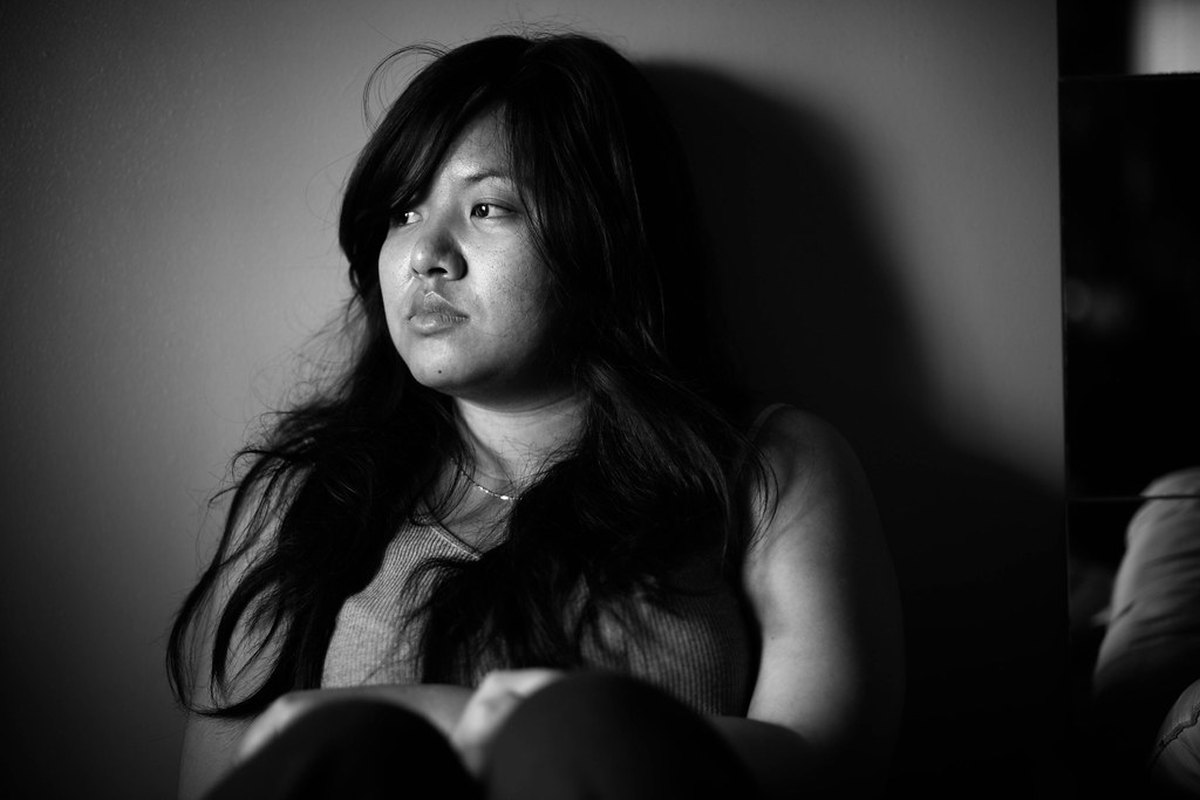
The photo does most of the casting in an AI meme video. You can write a clever prompt and choose the perfect format, but if the reference photo is blurry, tiny or lit from behind, the model has to invent the face. Sometimes the invention is close enough. Often it is not.
This guide is about giving the renderer better evidence. It is written for RemakeMeme.video, which accepts one or two photos and renders a 4, 8 or 12 second clip, but the principles apply to any image-to-video workflow. The goal is not a glamorous photo. It is a photo the model can read.
Start with the one-third rule
The single most useful rule is that the face should take up at least a third of the frame. That applies to each person in the shot. If you are uploading a photo of yourself for a reaction format, your head and shoulders should fill a good portion of the image, not sit in the middle of a wide landscape.
Why does size matter so much? A face is a dense piece of information. The model needs to see the shape of the eyes, the spacing of the features, the mouth, the jaw and the hairline. When a face is small, those details occupy only a handful of pixels. The model still has to generate a moving face, so it fills the missing detail with what it has learned about faces in general. That is where drift begins.
A tight crop is usually better than a beautiful wide shot. Do not crop so tightly that you remove the top of the head or the chin, and do not crop so aggressively that the image becomes soft. Keep the whole face, some neck and the shoulders in view for a reaction photo.
Light the face, not the background
Even, front-facing light is the most useful. A window in front of the person, a plain wall and no strong light behind them will usually beat a dramatic sunset. The model needs to see the eyes clearly, including the area around them. A face that is half in shadow gives the model two different problems to solve as the subject moves.
Avoid:
- Strong backlight that turns the face into a silhouette.
- A hard side light that leaves one eye in deep shadow.
- A phone flash that flattens the face and creates a bright hotspot.
- Colored lighting that changes the apparent skin tone.
- Heavy beauty filters that smooth away freckles, moles, scars and the shape of the nose.
A little texture is useful. Do not retouch the photo into a different person. The model is trying to match the person in the photo, so a heavily filtered image gives it a target that does not exist in real life.
Focus and resolution matter more than camera specs
The photo should be sharp at the face. Zoom in on the eyes before you upload. If the eyelashes and the edge of the iris are mushy, the image is probably too soft. If the face looks like a watercolor painting when enlarged, the renderer will have to guess.
Use the best version of the photo you have. A screenshot of a photo, a picture saved from a messaging app, or a heavily compressed social media download may look fine on a phone and fall apart when the model examines it. Send the original file where possible.
Check the uploader for the accepted formats and size limit rather than guessing. As a general habit, a high-quality JPEG or PNG export is a safer master than a screenshot. Do not upscale a blurry image and expect the extra pixels to contain new detail; they do not. Upscaling makes a soft photo larger, not sharper.
Glasses, hats and anything covering the face
Glasses and hats can work, especially if they are part of the person's everyday look. They also add risk. Frames can hide the shape of the eyes, reflections can cover them, and tinted lenses remove the gaze entirely. A wide hat can cast a shadow over the face or cut off the hairline.
If you normally wear glasses, try a photo with clear lenses and no strong reflection. If the frames are thick and the eyes are barely visible, also take one without glasses if you have a good one. For hats, make sure the brim does not hide the eyes and that the top of the head is not cut off. The goal is not to remove everything distinctive. It is to make sure the distinctive features are visible.
The same advice applies to a hand in front of the face, a microphone, a mask, a scarf pulled up to the nose, or hair falling across one eye. These can be part of the bit, but they reduce the evidence available for the rest of the performance.
Match the framing to the format
Different formats need different amounts of the body. A reaction is mostly face and shoulders. A dance needs enough of the body to show the movement.
| Format type | Best starting frame | What to avoid | | ---------------------------------------- | ------------------------------------- | ---------------------------------------- | | Reaction, expression or talking-head bit | Head and shoulders | A tiny face in a wide group photo | | Dance or full-body movement | Full body or knees-up | Cropping at the ankles, knees or wrists | | Two-person exchange | One clear photo per person | A group photo where both faces are small | | Pet format | Clear view of the pet's face and body | Motion blur, a pet half under furniture |
For dance formats, a full-body or knees-up photo gives the model room to move. Do not crop a limb at a joint if you can avoid it, because the model has to decide what the rest of the limb looks like. For reaction formats, a head-and-shoulders photo keeps the face large and readable. The template library lists the photo count and framing for each format, so check the page before you choose a source image.
One person per photo is usually better
The product accepts up to two photos. If a format needs two people, the cleanest approach is usually one clear photo per person rather than one group photo. Separate photos give each face more pixels and avoid the problem of one person being closer to the camera, partly hidden, or lit differently.
Group photos fail for predictable reasons. Faces are small. People overlap. One person may be in focus while another is soft. The model has to work out which face belongs to which body and then keep both identities stable through the motion. That is a lot to ask from a single image.
If you only have a group photo, crop one person out of it, keeping the face large and the shoulders visible. Do not upload a picture of a crowd and hope the model picks the right person. It may pick no one in particular.
Background and clothing
A simple background helps the model separate the subject from the scene. A plain wall, a parked car, a quiet room or an outdoor space without clutter is fine. A busy street with signs, posters and other faces gives the model more things to copy, change or accidentally reproduce.
Clothing matters less than the face, but high-contrast clothing can help the silhouette read clearly. Avoid tiny repetitive patterns, large logos and text-heavy shirts if you care about them staying consistent. Generative models can turn small text into convincing-looking nonsense. If a logo is important to the joke, check it in the finished clip rather than assuming it will survive.
Pet photos: clarity, eyes and permission
For a pet, the same principles apply. Get the face and eyes in focus, avoid motion blur, and make sure the animal is not hidden under furniture or turned away. A clear photo at eye level is usually more useful than a photo looking down at the top of the pet's head.
A full-body photo can work for a dance or movement format, but the face still needs enough detail to anchor the identity. For a reaction format, a head-and-shoulders crop is often enough. Only upload a pet you have permission to use, and never upload someone else's animal as a joke without checking with the owner.
Why blurry photos drift
A blurry photo does not contain a hidden sharp face that the model can recover. It contains less information. The model has to invent the missing detail, and it invents it using its general knowledge of how faces look. That is why a blurry reference often produces a result that feels like a relative rather than the person.
Motion makes the problem worse. In a still photo, you might not notice that the eyes are soft. In a moving clip, the model has to keep those eyes consistent across dozens of frames, from different angles and with changing expressions. The less detail it has, the more it improvises. This is not a bug that a different prompt can always fix. The prompt can describe the scene, but it cannot add information that was never in the photo.
A good photo reduces drift. It does not eliminate it. The site does not guarantee a perfect likeness, and you should not promise one if you are making a clip for someone else. Expect a generated performance in the spirit of the reference, not a forensic match.
A practical checklist
Before you upload, run through these checks:
- The face takes up at least a third of the frame.
- The eyes are visible, in focus and not covered by reflections.
- The lighting is even and the face is not backlit.
- The photo is sharp when you zoom in, not just when it is small on your phone.
- The image is the original file or a high-quality export, not a screenshot of a screenshot.
- You have not used a heavy beauty filter that changes the person's features.
- The framing matches the format: head and shoulders for reactions, full body or knees-up for dances.
- If two people are needed, you have one clear photo per person rather than a group shot.
- The background does not contain other faces or distracting text.
- The clothing and accessories do not hide the face or cover the eyes.
- You have permission to use every person and pet in the photo.
- The person is not a minor or a public figure.
If a photo fails several of these checks, do not spend credits trying to rescue it with a long prompt. Take or find a better photo first. It is usually faster than iterating on a render that started with bad evidence.
Test with a short clip first
A 4 second render costs 10 credits, while an 8 second render costs 20 and a 12 second render costs 30. If you are trying a new photo, a new format or a new prompt, start with a 4 second test. You will learn whether the face holds, whether the framing works and whether the model understood the scene. Then spend more credits on the version that is working.
A failed render is refunded automatically, but a successful render that simply is not to your taste is still a successful render and uses its credits. Budget for a few attempts, especially with a difficult photo or a format that involves a lot of movement. The current credit ladder is on the pricing page, and the step-by-step guide explains the rest of the flow.
Consent comes before composition
A technically perfect photo is still the wrong photo if you do not have permission to use it. Only upload people and pets you are allowed to use. Do not upload photos of minors or public figures. The site's moderation checks text, images and finished video, and those cases are refused.
If you are making the clip for a friend, show them the result before posting. If you are making it for a client, agree on the source photos and the permitted uses in advance. A generated clip can look very convincing, and that is exactly why consent and labeling matter.
Frequently asked questions
Can I use a group photo if the format needs two people?
It is possible, but separate photos usually work better. A group photo gives each face fewer pixels and may have overlapping people or different lighting. If you only have a group photo, crop one person per image and keep the face large.
Should I edit or filter my photo before uploading?
Crop it if necessary and correct the exposure gently, but avoid heavy beauty filters, skin smoothing or upscaling. Those changes remove the detail the model uses to keep the person recognizable. A natural, sharp, well-lit photo is the better reference.
Why does the face still drift when I use a good photo?
A generative model produces an approximation, not a scan. It has to infer the parts of the face it cannot see and keep them consistent through motion. A clear photo improves the odds, but the site does not guarantee a perfect likeness from any photo.